10x Your Productivity: The Ultimate Guide to Free PDF & Image Tools
Category: Productivity / Tech
Reading Time: 6 Minutes
In the modern digital world, we deal with documents every single day. Whether you are a student rushing to submit an assignment, a freelancer sending an invoice, or a job seeker polishing your CV, file formats can be a headache.
We’ve all been there: You have a PDF you need to edit, but you can’t. You have a photo with a messy background, but you don't know how to use Photoshop. You need to combine three files into one, but the software asks for a credit card.
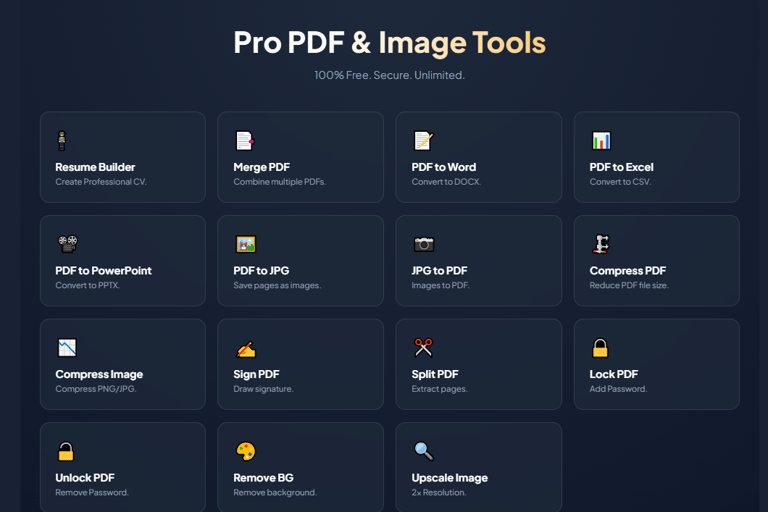
Enter One Page Tools. We have built a complete suite of professional utilities that run directly in your browser—free, fast, and secure. Here is how you can use our tools to master your digital workflow.
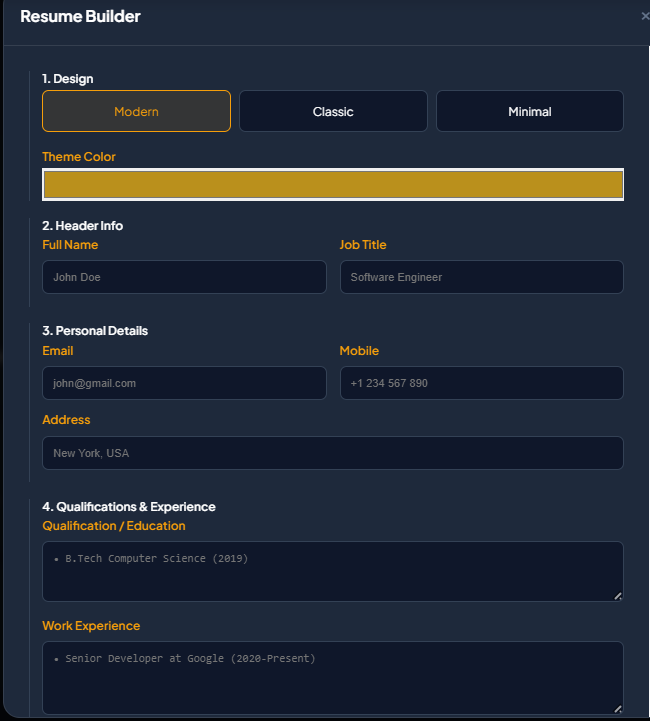
1. Launch Your Career with the Pro Resume Builder
Your resume is the most important document you will ever create. However, formatting a CV in Microsoft Word is often a nightmare. Text jumps around, margins break, and the file looks different on every computer.
Our Free Resume Builder takes the stress out of job applications.
How it Helps:
ATS-Friendly: We use clean, structured layouts that "Applicant Tracking Systems" (robots that read resumes) love.
Professional Templates: Choose from Modern, Classic, or Minimalist designs.
Instant PDF: Download a locked-in PDF that looks exactly the same on every device.
2. Unlock Your Data: Convert PDF to Word & Excel
PDFs are great for viewing, but terrible for editing. If you have lost the original source file of a document, retyping it manually is a waste of time.
The Converters:
PDF to Word: Extracts text paragraphs so you can edit contracts, essays, or reports in MS Word.
PDF to Excel: A lifesaver for accountants. It takes tables from PDF bank statements and turns them into editable CSV spreadsheets.
PDF to PowerPoint: Turn a flat PDF report into a presentation deck instantly.
[Image Suggestion: Take a screenshot of the "PDF to Word" card or the upload modal showing a file being processed.]
3. Organize Your Digital Life: Merge, Split, and Compress
Sending an email with 10 different attachments looks unprofessional and cluttery. Our PDF Management tools help you keep your digital filing cabinet tidy.
Merge PDF: Combine your cover letter, resume, and portfolio into one single, professional file.
Split PDF: Have a massive 100-page report but only need to share Chapter 3? Use the Split tool to extract just those pages.
Compress PDF: Email attachments often have a size limit (usually 25MB). Our tool shrinks your file size by optimizing fonts and images without ruining the quality.
4. Master Your Images (No Photoshop Required)
You don't need to be a graphic designer to have professional-looking photos. We have integrated powerful AI-driven image tools directly into the suite.
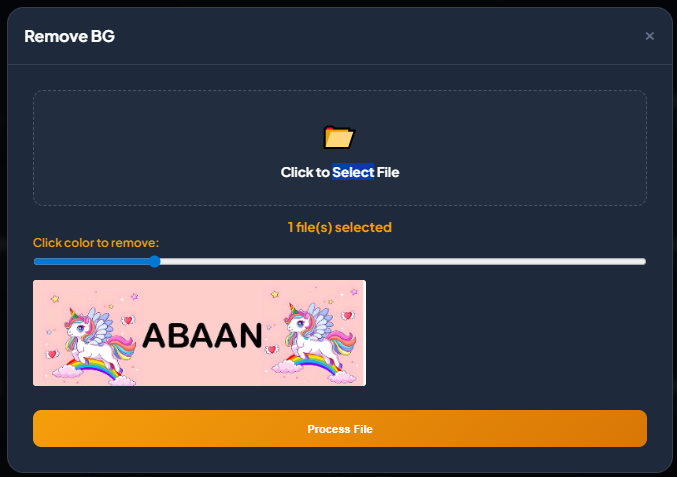
Background Remover
Perfect for e-commerce sellers or LinkedIn profile pictures. This tool automatically detects the subject of your photo and removes the background, giving you a transparent PNG in seconds.
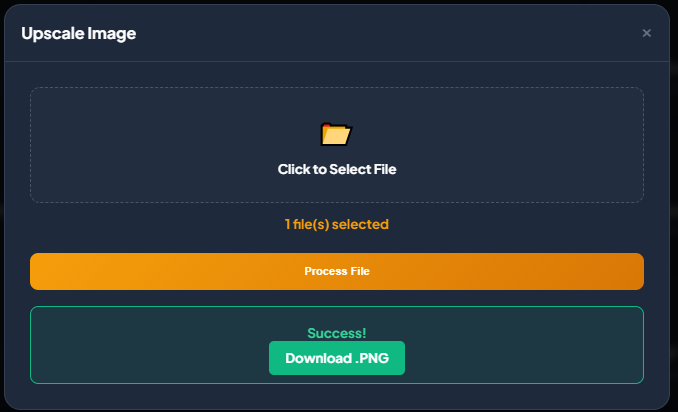
Image Upscaler
Have a small, blurry image that looks pixelated when you zoom in? Our Upscaler doubles the resolution using smart smoothing algorithms, making it crisp enough for printing.
5. Secure Your Sensitive Data
In an age of digital theft, security is paramount. You can protect your intellectual property using our security tools:
Lock PDF: Add a password to sensitive financial or legal documents before emailing them.
Watermark: Stamp "CONFIDENTIAL" or your company name across your pages to prevent unauthorized copying.
Sign PDF: Draw your digital signature and place it on contracts without ever printing a single piece of paper.
The "Client-Side" Advantage: Why We Are Different
This is the most important reason to use One Page Tools. When you use other free online converters, you usually upload your file to their server. They process it, and you download it back. This creates a privacy risk.
We do it differently. We use Client-Side Processing (WebAssembly).
No Uploads: Your file never leaves your computer or phone.
The Magic Happens in Your Browser: The processing power comes from your own device.
100% Privacy: Because we never see your files, we cannot store, copy, or share them. It is the safest way to edit bank statements, IDs, and legal contracts online.
Conclusion
You don't need to pay for expensive subscriptions like Adobe Acrobat just to rotate a page or combine two files. With One Page Tools, you have a powerful, secure, and free office suite right in your browser bookmarks.
Ready to boost your productivity? Scroll up and select a tool to get started!
30.6s
Use Arrow Up and Arrow Down to select a turn, Enter to jump to it, and Escape to return to the chat.